Text to Image AI Free: Master Prompt Engineering Without Cost
TL;DR
Free text-to-image AI tools convert text descriptions into stunning visuals. Leading options include NeoSpark (10+ models), Stable Diffusion (unlimited), and Bing DALL-E 3 (100/day). Master prompt engineering to create professional artwork at zero cost.
TL;DR
Text-to-image AI transforms written descriptions into visual artwork instantly. The best free text-to-image AI tools include NeoSpark (10+ models, 50/day), Stable Diffusion (unlimited open-source), Bing DALL-E 3 (100/day), and Playground AI (500/day). Success requires mastering prompt engineering—the art of writing effective text descriptions that guide AI to create your vision.
1. Understanding Text-to-Image AI
The Magic of Words to Pictures
Text-to-image AI uses deep learning models trained on millions of image-text pairs to generate visuals from natural language descriptions. These systems understand the relationship between words and visual elements, enabling creation of virtually any image you can describe.
How It Works:
- Text Encoding: Your prompt is converted into mathematical representations
- Latent Diffusion: AI navigates through learned visual concepts
- Image Generation: Pixels are synthesized based on text understanding
- Refinement: Multiple iterations improve quality and coherence
Why Text-to-Image Matters:
- Accessibility: No artistic skills required
- Speed: Create in seconds, not hours
- Flexibility: Any style, any subject, any concept
- Iteration: Refine quickly through prompt adjustments
2. Best Free Text-to-Image AI Tools
Platform Comparison
| Tool | Free Daily | Best For | Strengths |
|---|---|---|---|
| NeoSpark | 50 images | Multi-model flexibility | 10+ AI models in one platform |
| Stable Diffusion | Unlimited | Technical control | Fully customizable |
| Bing DALL-E 3 | 100 boosts | Text accuracy | Superior typography |
| Playground AI | 500 images | High volume | Generous free tier |
| Leonardo.ai | 150 tokens | Game assets | Specialized features |
3. NeoSpark: The Text-to-Image Powerhouse
One Prompt, Multiple Interpretations
Why NeoSpark Leads Text-to-Image:
NeoSpark’s unique advantage is multi-model access—write one prompt and see how 10+ different AI models interpret it.
Models Available:
- Midjourney V7: Artistic interpretation
- Nano Banana: Photorealistic precision
- Stable Diffusion XL: Creative flexibility
- DALL-E 3: Concept accuracy
- Niji Journey: Anime aesthetics
- Ideogram: Typography focus
Free Tier Benefits:
- 50 text-to-image generations daily
- Compare multiple models simultaneously
- Commercial usage rights
- No watermarks
4. The Art of Prompt Engineering
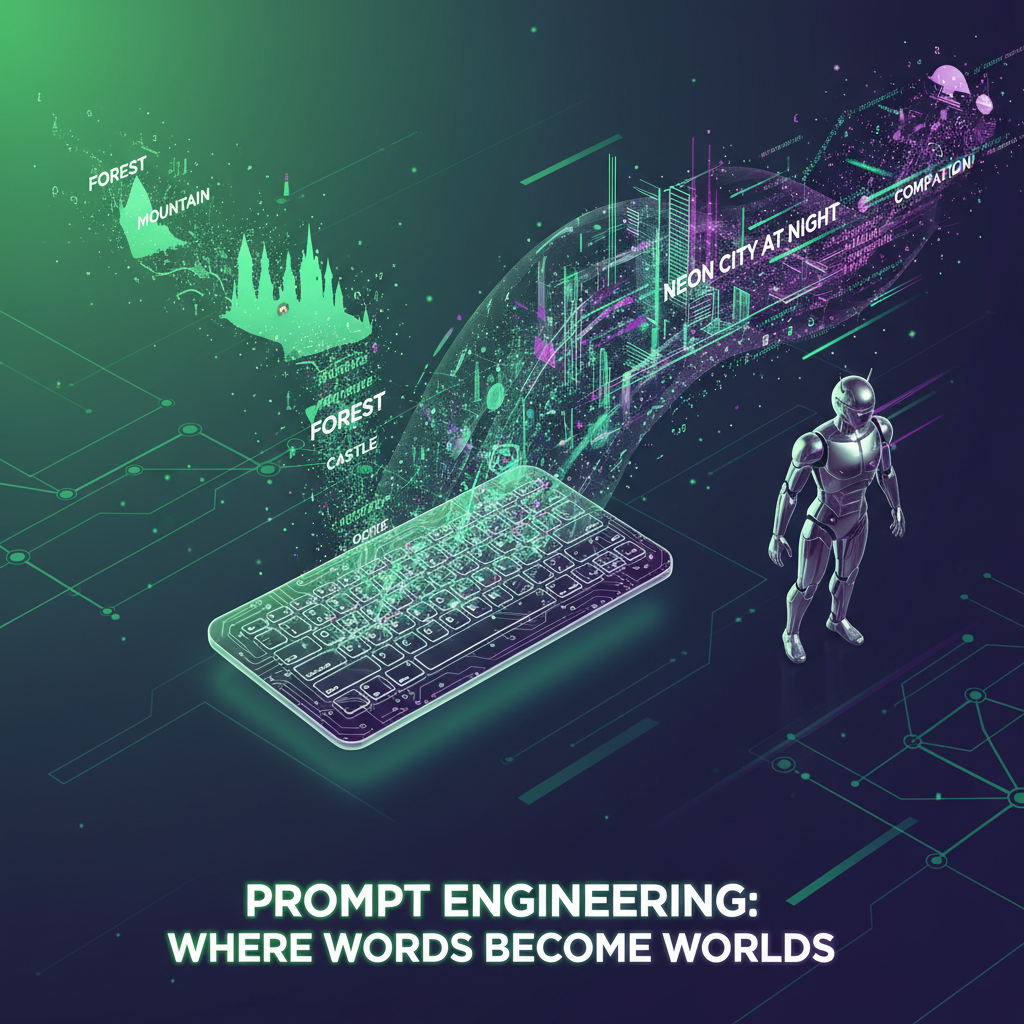
Writing Effective Text-to-Image Prompts
The Perfect Prompt Structure:
[Subject] + [Action/State] + [Environment] + [Style] + [Lighting] + [Camera] + [Quality]
Example Breakdown:
Subject: Majestic tiger
Action: Prowling silently
Environment: Dense bamboo forest at dawn
Style: Hyper-realistic wildlife photography
Lighting: Golden hour sunlight filtering through leaves
Camera: 85mm lens, shallow depth of field
Quality: 8K resolution, National Geographic quality
Complete Prompt:
Majestic tiger prowling silently through dense bamboo forest at dawn,
hyperealistic wildlife photography, golden hour sunlight filtering
through leaves creating volumetric god rays, 85mm lens, shallow depth
of field with beautiful bokeh, 8K resolution, National Geographic
quality, detailed fur texture, piercing eyes
5. Prompt Engineering Techniques
Advanced Text-to-Image Strategies
1. Weighted Keywords:
(Photorealistic:1.3), (detailed:1.2), (tiger:1.1), forest, morning
Higher numbers = more emphasis on that element
2. Negative Prompts:
blurry, low quality, distorted, deformed, ugly, bad anatomy,
watermark, signature, text, cropped
Tell the AI what to avoid in the image
3. Style Modifiers:
- Artistic: oil painting, watercolor, charcoal sketch
- Photographic: 35mm film, DSLR, GoPro, drone
- Digital: 3D render, vector art, pixel art
- Era-specific: Victorian, Art Deco, Cyberpunk
4. Quality Boosters:
- masterpiece, best quality, highly detailed
- 8K resolution, UHD, retina display
- professional photography, award-winning
6. Model-Specific Prompting
Optimizing for Different AI Models
Midjourney V7:
- Artistic, natural language prompts work best
- Focus on mood and atmosphere
- Example: “A serene Japanese garden, watercolor style, peaceful morning”
Nano Banana:
- Technical specifications help
- Camera settings and lens choices
- Example: “Portrait, 85mm f/1.8, soft window light, photorealistic”
Stable Diffusion:
- Detailed technical parameters
- Sampling steps and CFG scale matter
- Example: “masterpiece, best quality, highly detailed landscape”
DALL-E 3:
- Natural, descriptive language
- Complex concepts understood well
- Example: “A diagram showing how photosynthesis works, educational style”
7. Common Text-to-Image Mistakes
What to Avoid
Mistake 1: Vague Prompts
❌ "A nice picture of a dog"
✅ "Golden retriever puppy playing in autumn leaves, golden hour
    sunlight, shallow depth of field, professional pet photography"
Mistake 2: Too Many Concepts
❌ "A dragon and a robot and a castle and a spaceship and a unicorn"
✅ "A cyberpunk dragon perched on neon-lit skyscraper, rain-soaked
    streets below, cinematic composition"
Mistake 3: Ignoring Style Consistency
❌ "Oil painting style but also photorealistic and also pixel art"
✅ "Renaissance oil painting style, classical portrait composition"
Mistake 4: Forgetting Negative Prompts
- Always include what you don’t want
- Saves time in regeneration
- Improves first-attempt success
8. Text-to-Image Workflows
Professional Processes
The Iterative Workflow:
-
Concept (5 min):
- Define what you want to create
- Gather reference inspiration
- Write initial prompt
-
First Generation (2 min):
- Generate 3-4 variations
- Review results
- Identify what’s working
-
Refinement (10 min):
- Adjust prompt based on results
- Add details to successful elements
- Remove or modify problematic areas
- Generate 5-10 new variations
-
Selection (5 min):
- Choose best 2-3 candidates
- Evaluate against original vision
- Note successful prompt elements
-
Final Polish (10 min):
- Create variations of winner
- Fine-tune specific details
- Generate at highest resolution
Total Time: ~30 minutes per polished image
9. Specialized Text-to-Image Applications
Domain-Specific Prompting
Portrait Photography Prompts:
Professional headshot, 30-year-old woman, confident smile,
85mm lens, f/1.8, soft natural window lighting, shallow depth
of field, clean neutral background, photorealistic, 8K,
detailed skin texture
Product Photography Prompts:
Premium wireless headphones, product photography, white seamless
background, soft box lighting, 45-degree angle, professional
commercial photography, sharp focus, highly detailed
Landscape Photography Prompts:
Dramatic mountain landscape, golden hour, snow-capped peaks,
alpine lake reflection, 16mm wide angle, HDR photography,
National Geographic quality, 8K resolution
Abstract Art Prompts:
Dynamic abstract composition, flowing liquid metal, iridescent
colors, Kandinsky inspired, geometric elements, digital art,
vibrant contrast, museum quality
10. Building a Prompt Library
Systematic Prompt Management
Organize by Category:
- Portrait prompts
- Landscape prompts
- Product prompts
- Abstract prompts
- Character prompts
- Architecture prompts
Track Success Metrics:
- Which prompts consistently produce good results
- Model-specific variations that work
- Style combinations that succeed
- Negative prompts that help
Template System:
[Base Subject] + [Style] + [Lighting] + [Camera] + [Quality]

Example Template:
[Portrait subject] + [85mm f/1.8] + [soft window light] +
[shallow DOF] + [8K photorealistic]
11. Future of Text-to-Image
What’s Coming Next
Emerging Capabilities:
- Video generation: Text to video
- 3D creation: Text to 3D models
- Style transfer: Apply any style to any image
- Inpainting: Edit specific image regions with text
- Outpainting: Extend images beyond original borders
Improving Quality:
- Better text rendering
- More consistent characters
- Improved hand and face generation
- Faster generation speeds
- Higher resolutions
12. Conclusion: Master Text-to-Image Today
Text-to-image AI has made visual creation accessible to everyone. With NeoSpark’s multi-model platform, Stable Diffusion’s unlimited generation, and mastering prompt engineering, you can create professional artwork from simple text descriptions completely free.
Your Learning Path:
- Week 1: Practice basic prompts, learn structure
- Week 2: Experiment with styles and models
- Week 3: Build prompt library
- Week 4: Develop personal workflow
Start Creating from Text:
Try NeoSpark’s Free Text-to-Image AI →
Last Updated: March 19, 2026 Author: Alex Zhang, Founder of Neospark Platform
Share This Article
Found this helpful? Share it with your network: