Overview
- Two routes, one result. Copy the install prompt for your agent, or download the Skill package and run its installer.
- Free Skills need no account and no card. Paid Skills open with a plan.
- No per-editor build. The same package installs into every agent that reads SKILL.md.
Before you start
- An agent that reads
SKILL.mdor connects to an MCP server with sign-in — Claude Code, Codex, Cursor, GitHub Copilot, Gemini CLI, Windsurf, Cline, Grok and the other agents listed on the install page. - A browser for the one-time sign-in (for the download route, or when the agent asks to authorize).
- No API key is required to connect: the CLI stores a revocable credential in your system keychain.
Copy the install prompt
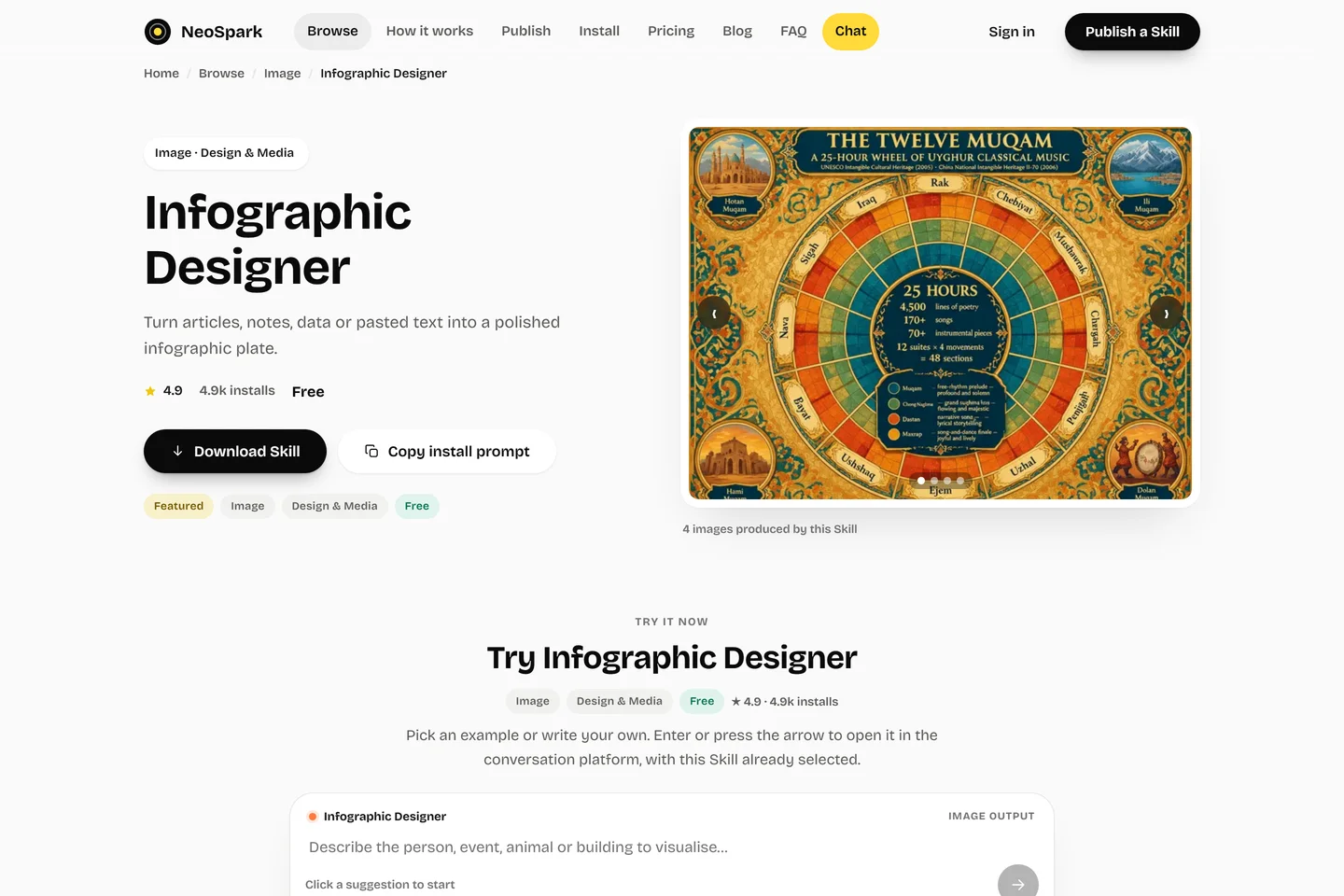
On the Skill page, choose Copy install prompt, then paste it into your agent. For Infographic Designer the prompt is:
Read https://useneospark.com/install/agent.md and follow the instructions to connect NeoSpark, then install the Infographic Designer Skill (neospark-infographics) and use it for my next task.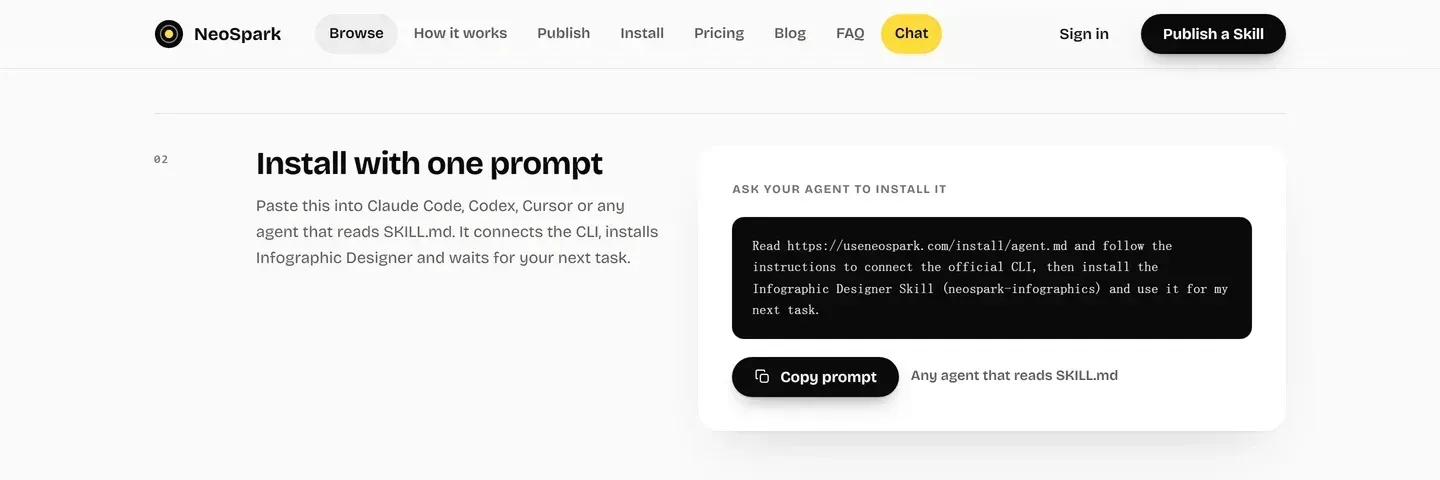
What happens next
- Your agent reads https://useneospark.com/install/agent.md and follows it.
- It connects NeoSpark through the Skill's MCP tool — the installer writes the client configuration — and authorizes with the key scoped to that Skill.
- It installs
neospark-infographics, readsSKILL.mdand confirms the package before your next ask.
To install and immediately use a Skill, the page’s composer builds the same prompt with your task appended:
Read https://useneospark.com/install/agent.md and follow the instructions to connect NeoSpark, then install the Infographic Designer Skill (neospark-infographics) and use it for this: <your task>The prompt works in any agent that reads SKILL.md; no per-editor build is involved.
Download the Skill
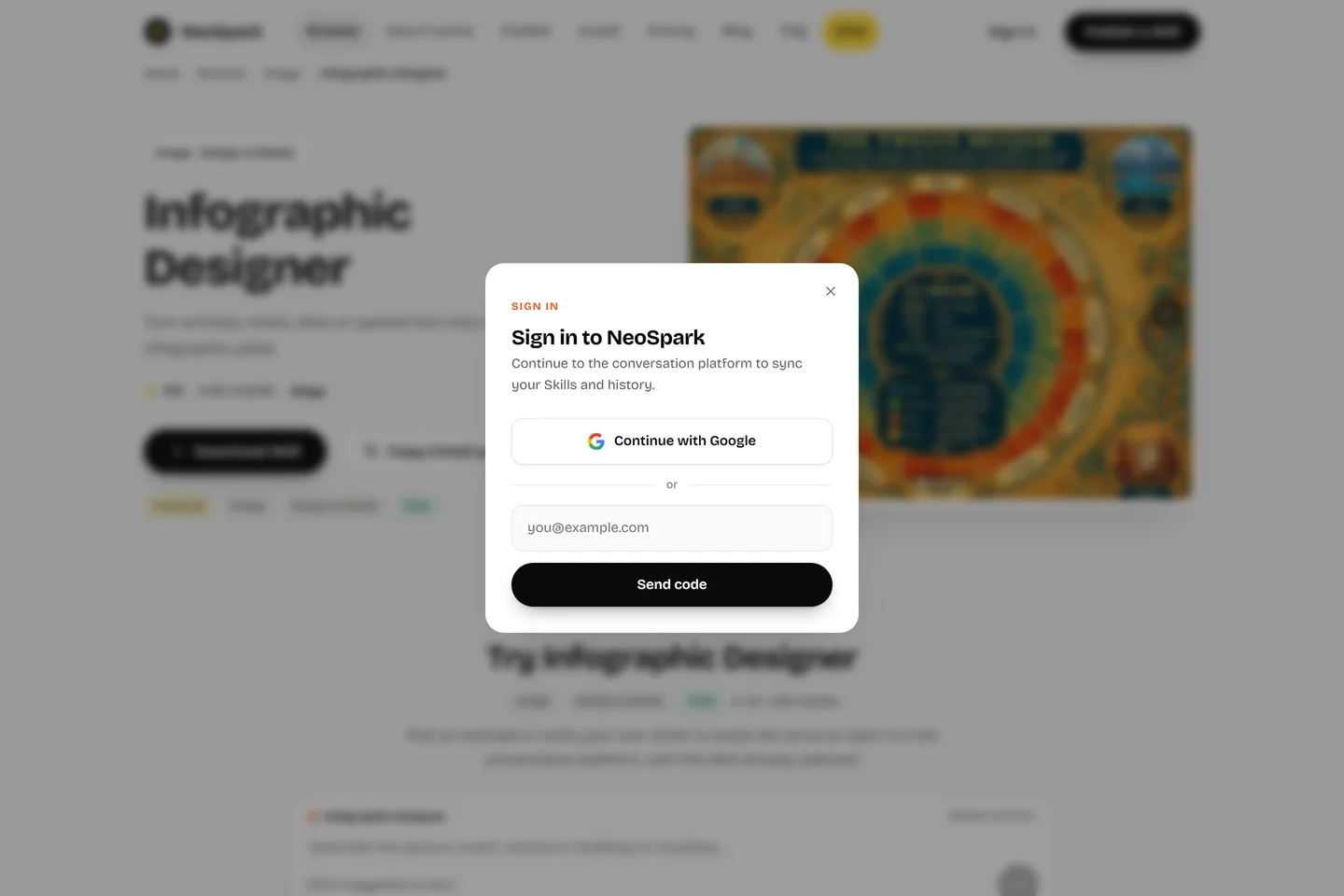
On the Skill page, choose Download Skill. If you are signed out, the sign-in dialog opens first and the download resumes after you sign in.
The download is neospark-<skill-id>-skill.zip — for this example,neospark-neospark-infographics-skill.zip — and contains:
- the native Claude Code / Codex skill (skill/SKILL.md),
- install.sh / install.ps1 and a self-check script,
- the MCP client configuration (claude.mcp.json, codex-config.toml),
- a README,
- an nsk_ key scoped to that one Skill.
Unpack it and run ./install.sh (or .\install.ps1 on Windows). The installer copies the skill into Claude Code or Codex, writes the MCP configuration and runs a self-check. Restart the client, then use /neospark-<skill-id>.
The key is nsk_... and works only against the MCP endpoint — never send it as anX-API-Key. It is scoped to this one Skill and rotated on every download: only the newest package works, and the plaintext key is returned once. Never write it into a project, a repository or a log.
Verify the installation
- Ask your agent what the Skill does; it should answer from SKILL.md, not from its general knowledge.
- On the Skill page, the At a glance panel lists the version, execution mode and package shape that should match what the agent reports.
- Ask for one small piece of work in the Skill’s output (Image for Infographic Designer) and check the result before relying on it for a larger task.
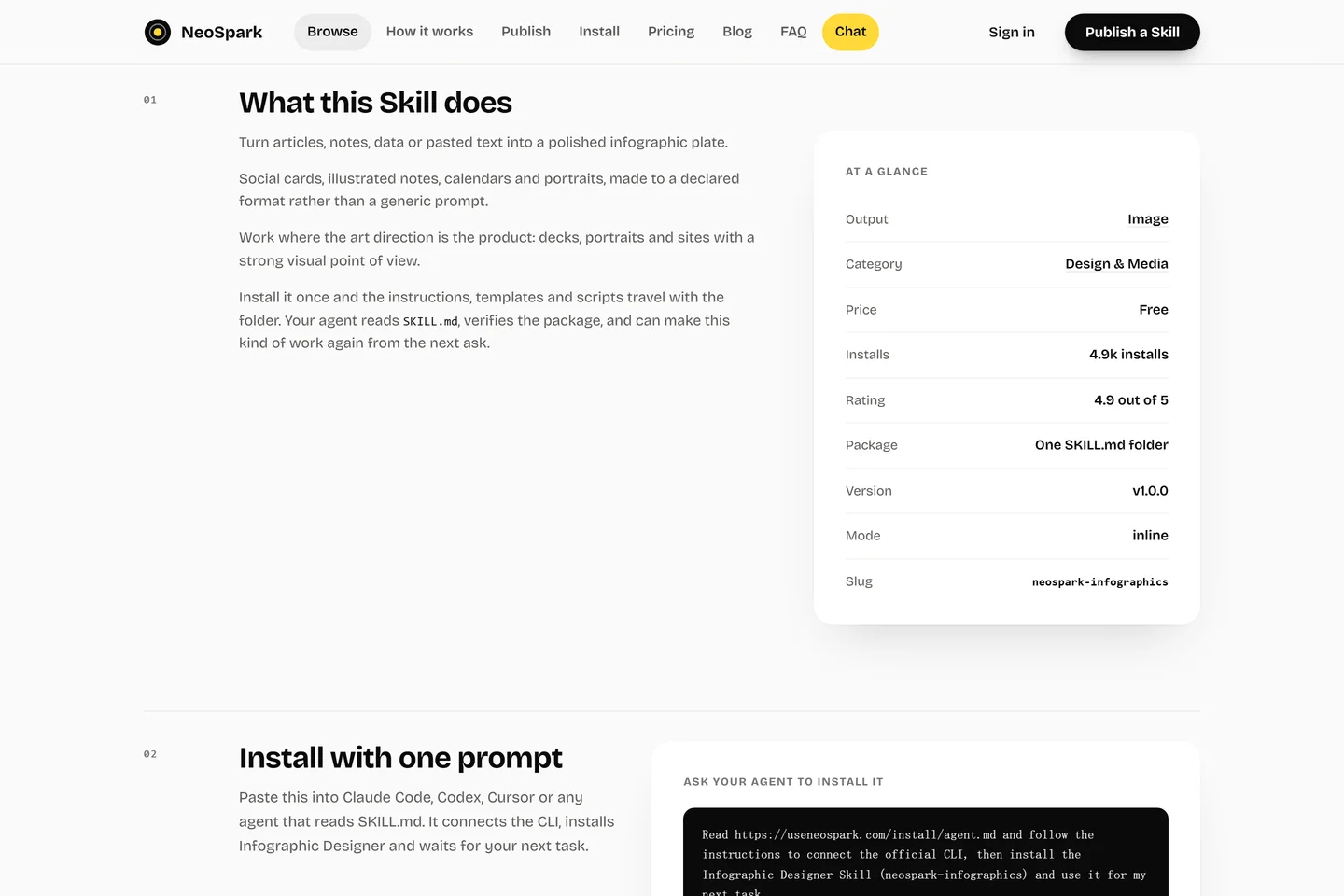
v1.0.0, inline and neospark-infographics.Free and paid Skills
| Free Skills | Paid Skills | |
|---|---|---|
| Account | Not required | Plan required |
| Card | Not required | Checkout through Stripe |
| Install route | Either route above | Either route above |
| Approval | — | Explicit yes before any paid run |
The Skill page’s price line and the At a glance panel state which case applies. A free account starts with 200 credits a month; the plans are listed on thepricing page.
Update and uninstall
- Update: download the Skill again and re-run the installer. The new package replaces the old one and the previous key stops working.
- Uninstall: remove the MCP client entry (or the installed skill folder) and revoke the credential from your system keychain. Downloading the package again also rotates the key.
Troubleshooting
| Symptom | Cause | Fix |
|---|---|---|
| Agent cannot open agent.md | Network or URL typo | Open https://useneospark.com/install/agent.md directly in a browser. |
| Download opens the sign-in dialog | You are signed out | Sign in; the download resumes automatically. |
| 401 from the API | Key or session invalid | Download the newest package and reinstall; a new download rotates the old key. |
| 402 from the API | Balance too low | Top up, choose a plan, or switch to a free Skill. |
| 404 for a Skill | Removed, renamed or wrong slug | Re-check the catalogue at https://useneospark.com/browse/. |
| Old MCP key stopped working | A newer download rotated it | Use the key from the latest package only. |
Reference
- Machine-readable agent guide: /install/agent.md
- Human install guide: /install/
- Skill specification: /neospark-skill-spec.md
- API reference: api.useneospark.com/docs