Sketch to CAD-Style Line Art Conversion Prompt
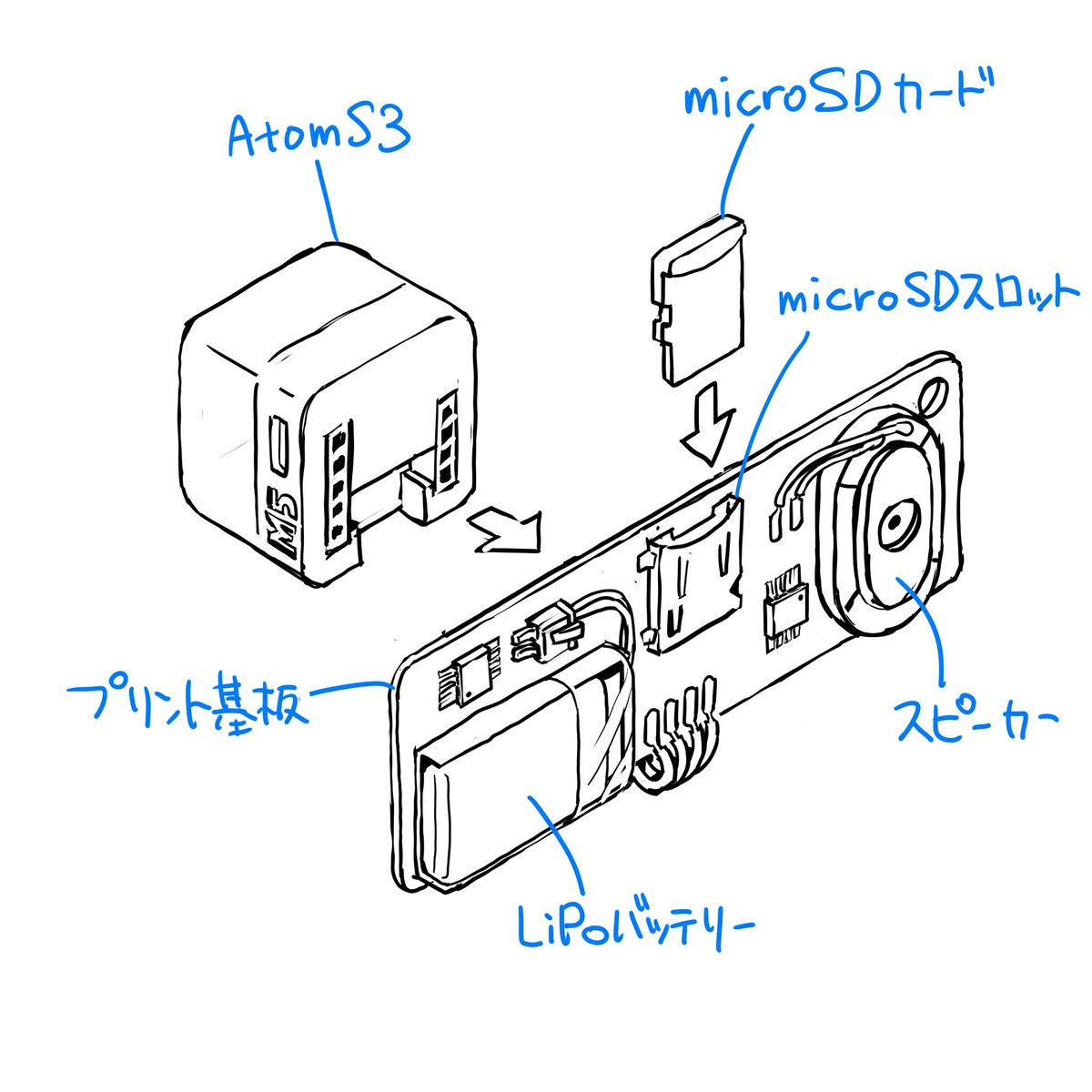
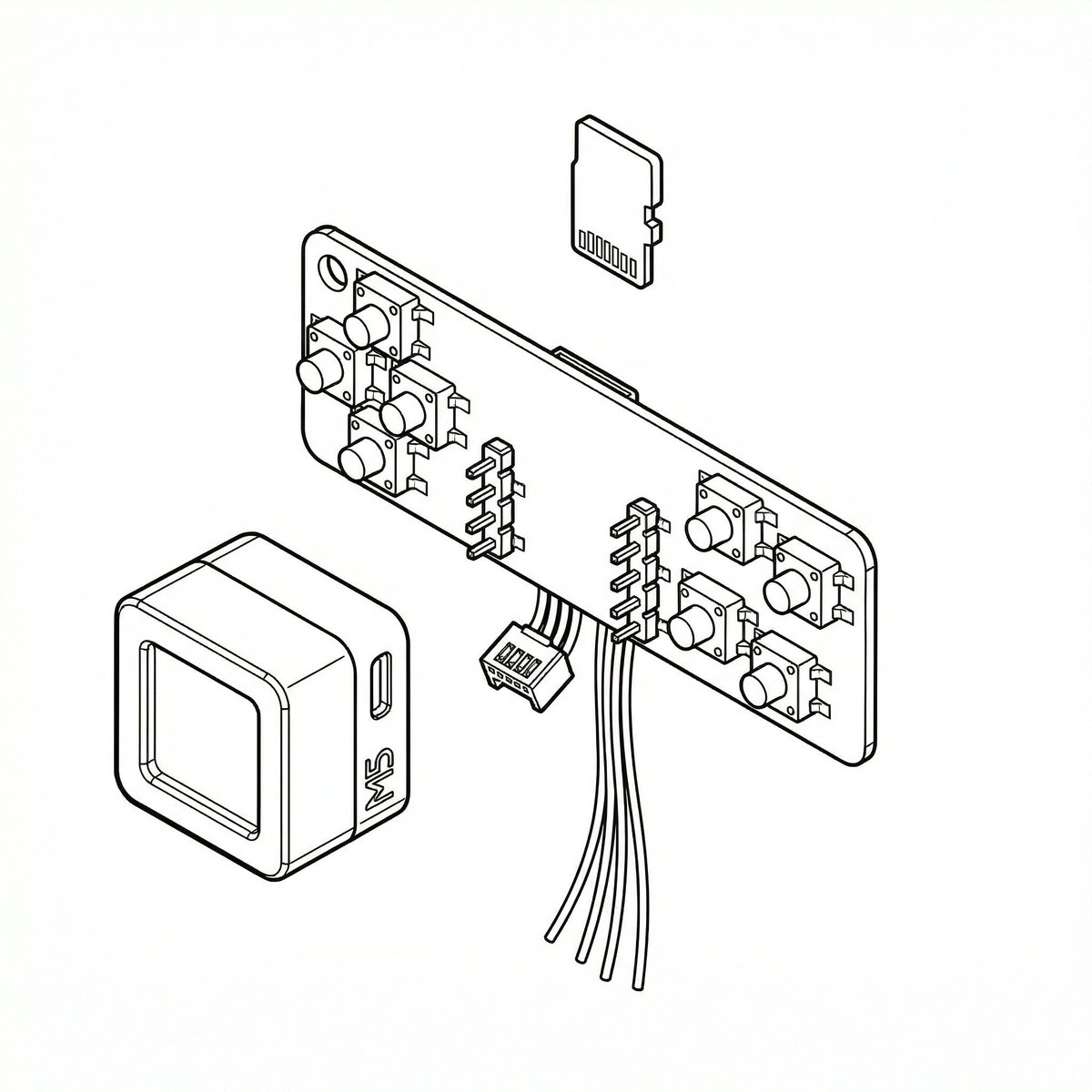
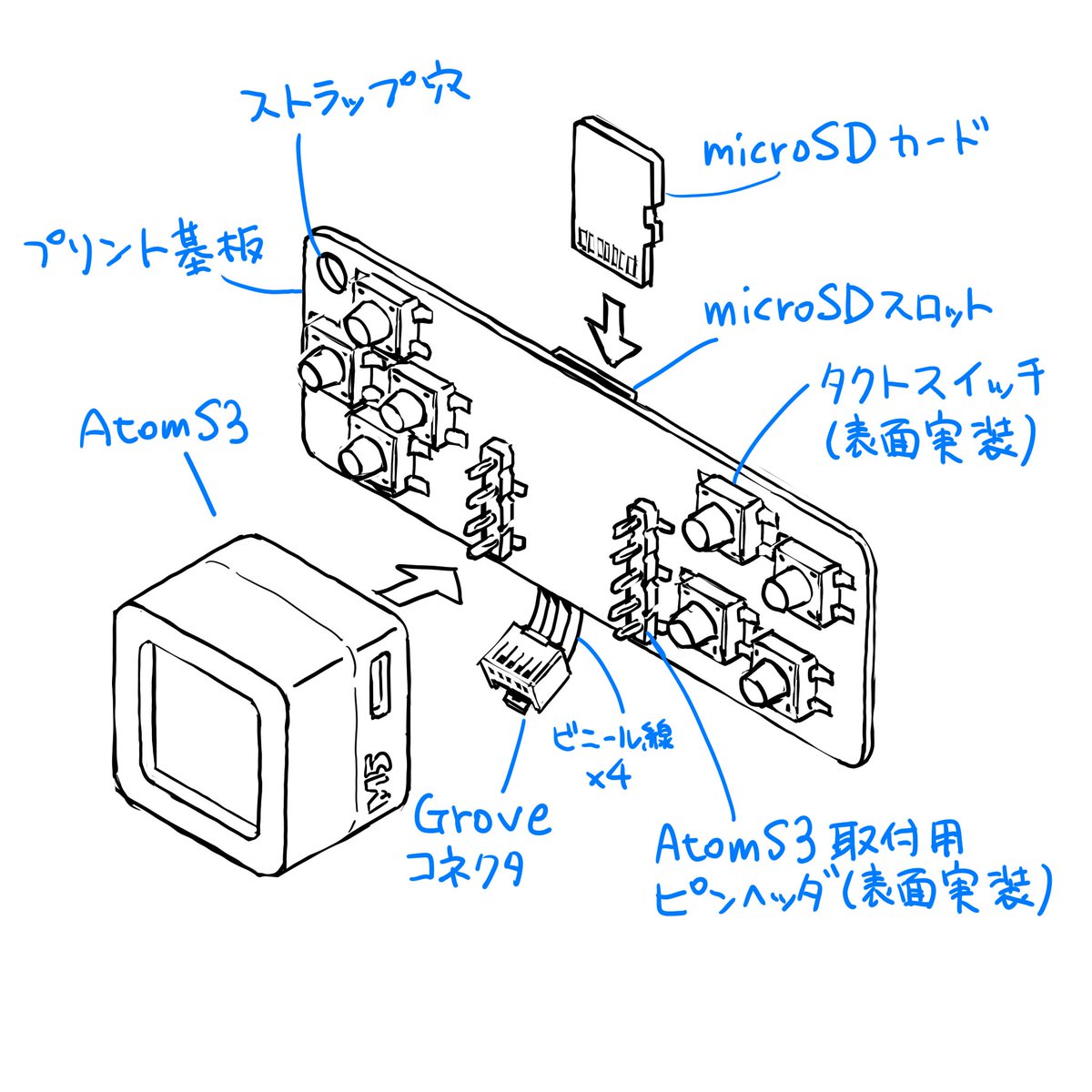
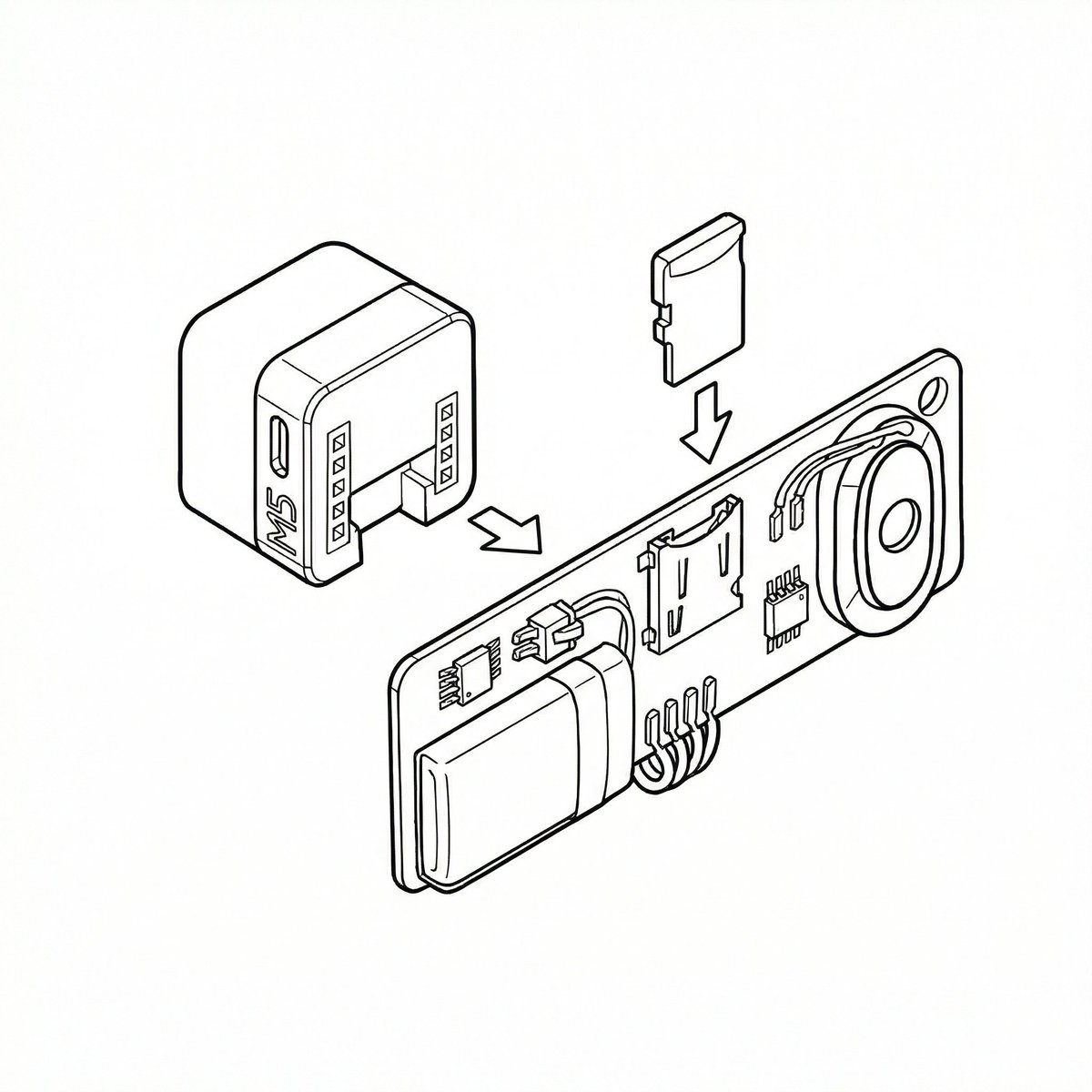
A two-part prompt sequence for Nano Banana Pro (using its 'Thinking Mode') to convert a rough sketch into precise, CAD-like line art. The first prompt instructs the model to finalize the rough sketch, referencing blue text annotations, removing ambiguity, and applying line weight variation. The second prompt is a follow-up instruction to apply the same style to subsequent rough sketches.

Generated result using this prompt
The Prompt
Please finalize this rough sketch and create line art. Read and refer to the blue text annotations, eliminate the ambiguity and roughness associated with handwriting, and create precise line art as if output from a CAD tool. Vary the line thickness, such as making ridge lines thicker. Delete the blue text and lines, and do not include them in the output image.

Please finalize this rough sketch in the same manner.
About This Prompt
A two-part prompt sequence for Nano Banana Pro (using its ‘Thinking Mode’) to convert a rough sketch into precise, CAD-like line art. The first prompt instructs the model to finalize the rough sketch, referencing blue text annotations, removing ambiguity, and applying line weight variation. The second prompt is a follow-up instruction to apply the same style to subsequent rough sketches.
Prompt Details
ID: 7000
Requires Reference Images: Yes
Sample Images
Full Prompt
Please finalize this rough sketch and create line art. Read and refer to the blue text annotations, eliminate the ambiguity and roughness associated with handwriting, and create precise line art as if output from a CAD tool. Vary the line thickness, such as making ridge lines thicker. Delete the blue text and lines, and do not include them in the output image.
Please finalize this rough sketch in the same manner.
Share This Prompt
Prompt Info
Tags
Daily Prompt Updates
New prompts are automatically curated daily from top AI creators on X.