AI Social Media Post Generator.
Feed-Ready Imagery From a Prompt
One idea, several platforms. Generate the image at the ratio each feed needs, leave room for the headline, and keep a consistent look across the set.
What a social post generator has to solve
A social post is not a poster shrunk down. It is an image competing inside a scrolling feed, seen for a fraction of a second, at a size you do not control. That changes the brief in three ways.
First, ratio. Every platform crops differently, and an image built for one feed will lose its subject in another. Second, safe zones. Profile overlays, captions, and call-to-action buttons sit on top of your image in some placements, so the important part of the composition has to sit inside a margin. Third, legibility at thumbnail size. If the subject does not read when the image is the size of a thumbnail, nothing else about it matters.
This page covers generating imagery for social feeds generally. For static design outside a feed — print, display, wall posters — the ai poster generator overview is the better starting point.
Generate a social media post
Free to try without an account. Pick the ratio for the platform, describe the image, and leave the headline text for later.
Tip: Press Ctrl+Enter (or Cmd+Enter) to generate instantly. Free generations remaining: 3.
Real output from NeoSpark
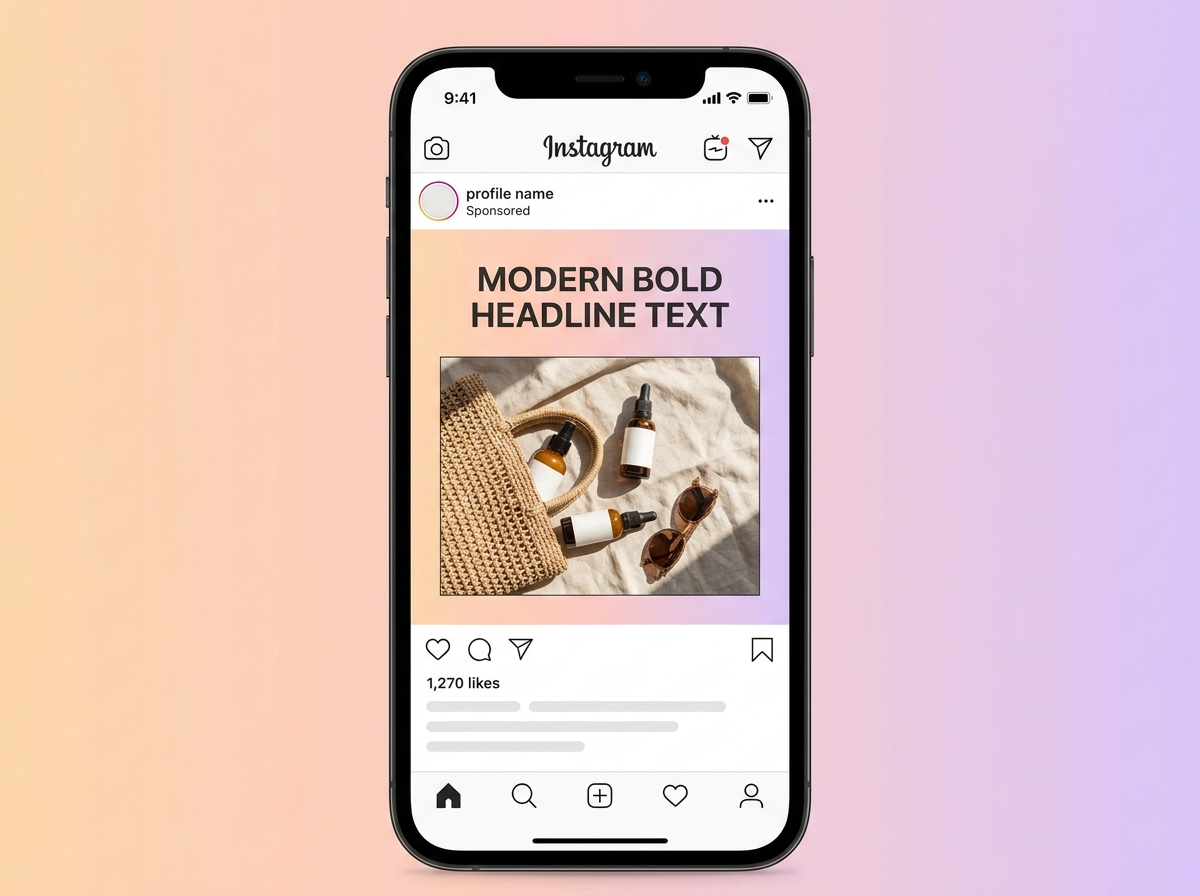
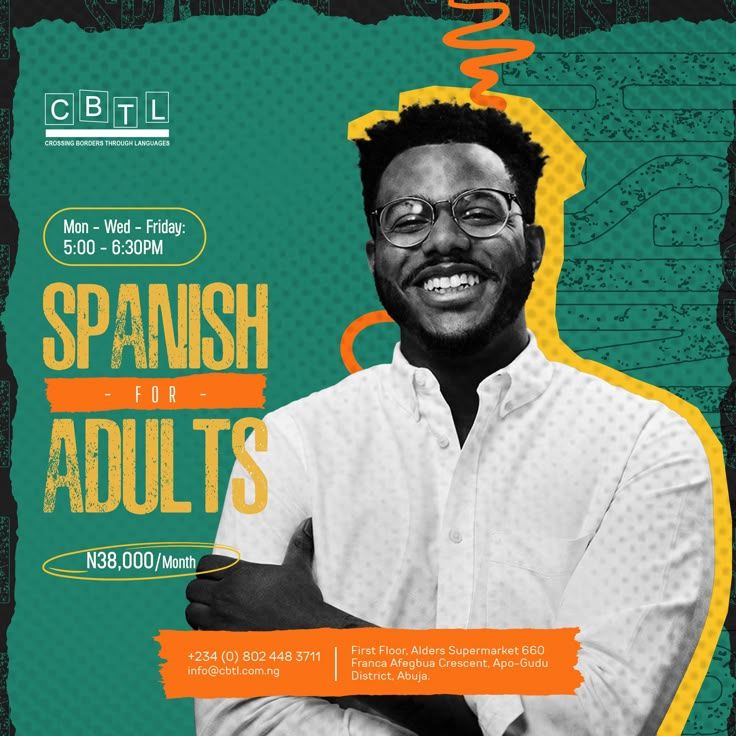
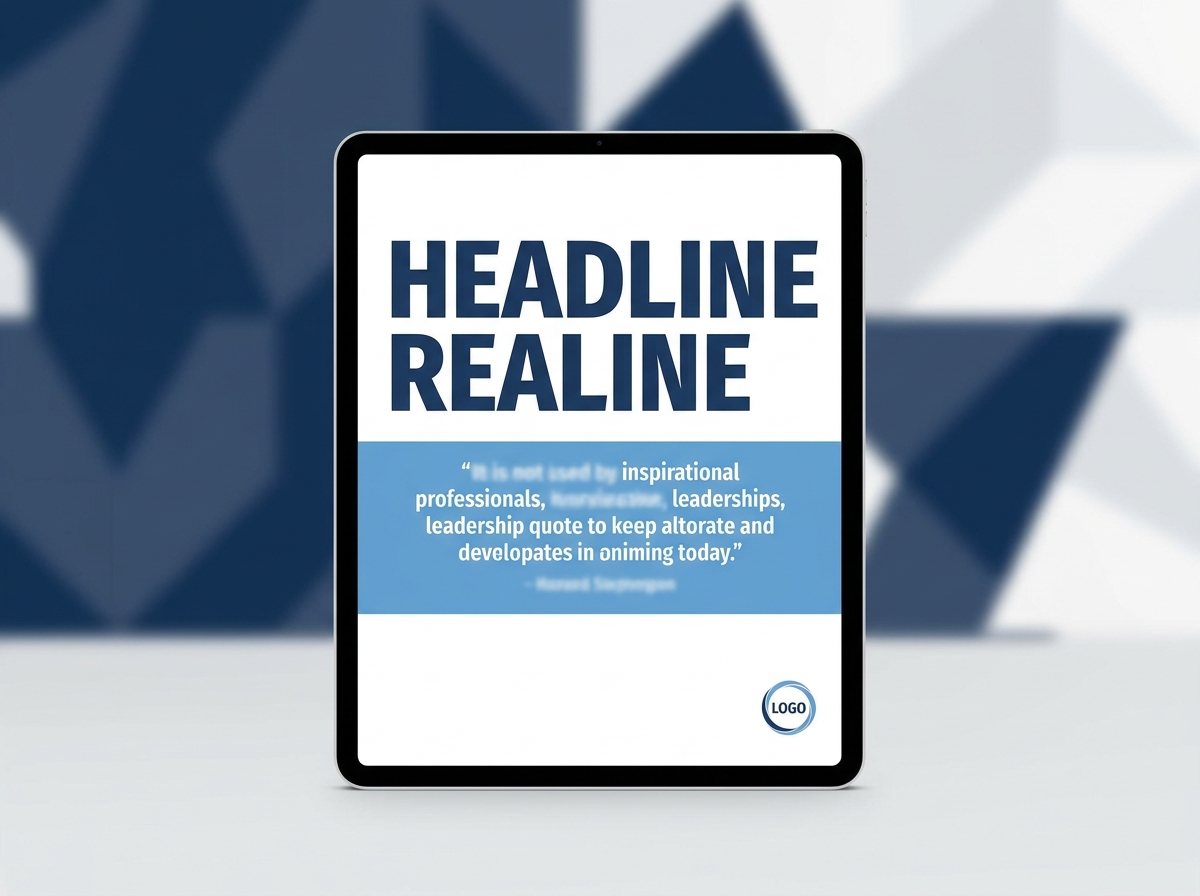
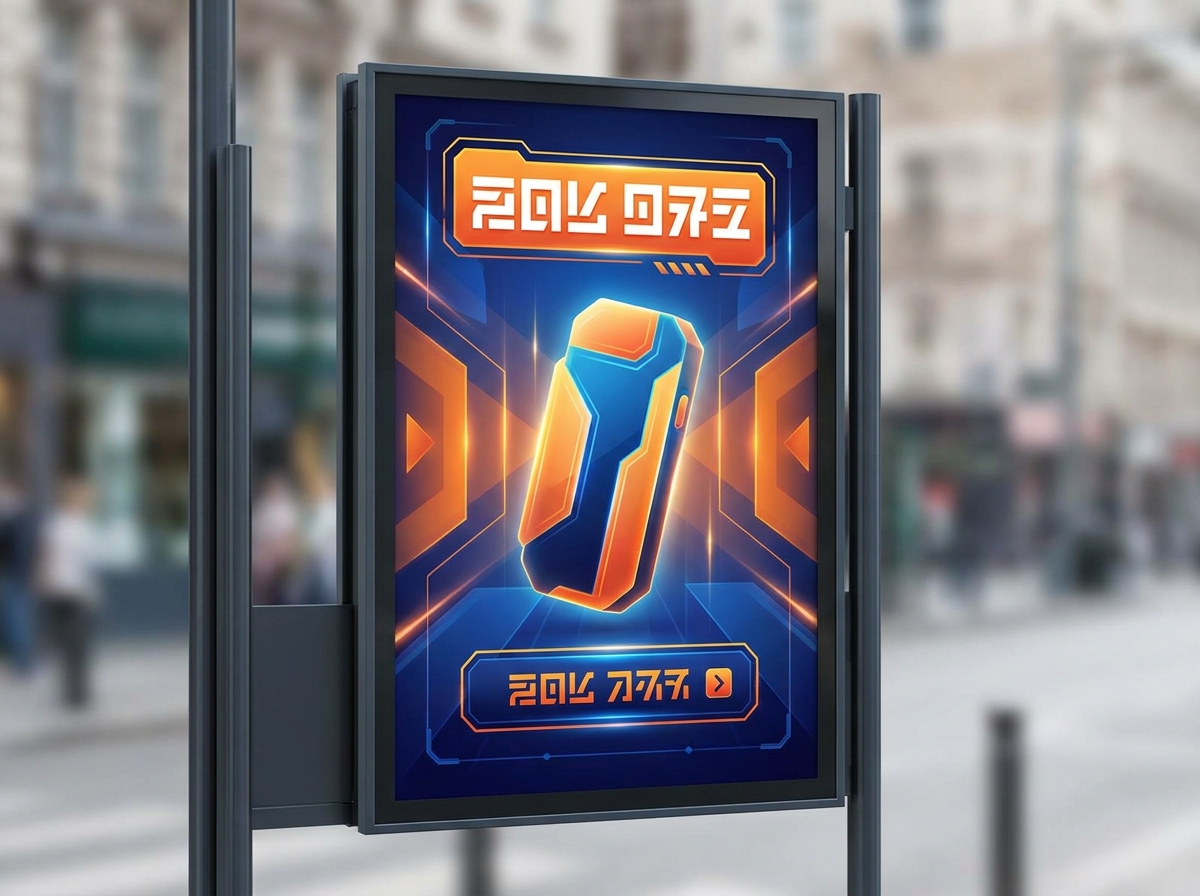
These are generated by the same engine, shown at the ratios each platform wants. The first three are social-post formats; the fourth is a poster-format advertisement.
Choosing a ratio per platform
Ratios below are the ones these platforms render without cropping. Generate at the ratio you actually need rather than cropping afterwards — cropping is what destroys compositions.
| Placement | Ratio | What it means for the image |
|---|---|---|
| Instagram feed | 4:5 portrait or 1:1 square | Portrait takes the most vertical space in the feed. Keep the subject clear of the very top and bottom, where the interface overlays. |
| Instagram / TikTok story | 9:16 vertical | The full screen. Leave the outer margin empty — captions, stickers, and buttons sit there. |
| Facebook feed image | 1:1 square or 4:5 portrait | Square is the safest choice here and survives the widest range of placements. |
| Facebook / LinkedIn link preview | 1.91:1 landscape | A wide, short band. The subject needs to sit centrally, because the edges get trimmed in some placements. |
| LinkedIn feed | 1:1 square or 4:5 portrait | A more restrained feed. Cleaner compositions and less saturated colour tend to sit better than loud graphics. |
| Pinterest / vertical discovery | 2:3 portrait | Tall and text-friendly. Compositions with a clear upper focal area perform best. |
Platforms change their recommended dimensions regularly. Confirm current specs in each platform's own creative guidelines before a large campaign, rather than relying on a fixed table.
Text on the image, and why the headline belongs in the caption
The most common mistake in AI-generated social imagery is asking for text. The model produces letterforms that look plausible at a glance and are wrong on inspection — misshapen characters, broken spacing, occasionally words that do not exist.
There is also a strategic reason to avoid baked-in text. Text rendered into an image cannot be edited, cannot be translated, cannot be resized, and cannot be read by screen readers. Caption text is searchable, accessible, and editable after the fact. Image text is a dead end.
So treat the image and the copy as separate layers. Generate the artwork with the area for a headline deliberately left empty, then set the headline in your design tool or leave it to the platform caption entirely. A striking image with a well-written caption typically outperforms a mediocre image with the words burned into it.
The post types people actually generate
Most social image requests fall into one of five shapes. Naming the shape before you write the prompt saves regenerations.
Product or offer
The product as hero, on a clean or contextual background, with room for a price or a short claim. Needs clean lighting and a controlled background more than it needs drama.
Announcement
A launch, a milestone, a new feature. Often works best as a bold graphic rather than a photograph, with a large flat area reserved for the headline.
Quote or testimonial
A quiet background that will not fight the text — gradient, texture, or a heavily blurred setting. The image is scenery; the words are the point.
Event promotion
Date, venue, and lineup all need to sit somewhere. Generate an atmospheric background and set the information over it in your design tool.
Carousel cover
The first slide decides whether anyone sees the rest. One clear idea, a strong visual, and an obvious reason to swipe. Keep it consistent with the slides that follow.
Generating a post that fits the feed
The order below front-loads the decisions that are expensive to undo.
- 01
Pick the platform and the ratio first
Decide where this is going before you write a word of prompt. Ratio changes the composition, and composition is not something you can fix by cropping later.
- 02
Decide the subject and the safe zone
One subject. Then decide where the interface will sit — usually the top and bottom edges or the outer margin on vertical formats — and keep the subject out of it.
- 03
Write the prompt as a scene
Subject, setting, light direction, framing, palette. The brief anatomy is: subject plus action plus setting plus framing plus lighting plus mood. Name two or three colours rather than a mood adjective.
- 04
Reserve the headline area explicitly
Ask for empty space where the text will go — generous empty space in the upper third, large flat area below the subject, uncluttered right side. Then add no text to the prompt.
- 05
Generate a batch and compare at thumbnail size
Shrink the candidates to thumbnail size before choosing. If the subject is not clear at that size, the post will not stop a scroll regardless of how good it looks full-screen.
- 06
Add the headline and caption separately
Set any on-image text in a design tool where you control the type, and write the caption natively on the platform so it stays editable and accessible.
Templates, generators, and design tools
A fair look at the three options most people are choosing between, including where each one is genuinely better.
Volume, batching, and what it costs
Social is a volume game in a way that print never is. A month of posts across three platforms is easily thirty or forty images, and the previous approach — stock photography plus a template — produces a feed that looks like everyone else's.
Generation changes the economics of that volume. Credits start at $10 per 1,000 and do not expire, so a month of social imagery costs a few dollars rather than a stock subscription. Because the credits do not expire, a heavy month does not waste the allowance from a quiet one — which is exactly the mismatch a monthly stock plan creates.
The practical discipline for volume is to fix one prompt per format. Keep a saved prompt for the 4:5 announcement, one for the 1:1 product shot, one for the 9:16 story. Then each new post changes a single variable — the subject or the colour — and the set stays visually coherent instead of drifting.
Where to go deeper on a specific platform
This page covers the general case. For one platform in detail, there are dedicated pages: the Instagram post generator for feed and story formats, Facebook post generator for a platform where square images survive the widest range of placements, and LinkedIn post generator for a feed that rewards restraint over saturation.
If the asset needs to work as a printed handout as well as a feed image, the ai flyer maker covers the print side of the same design.
And if you are weighing this against the design suite you already pay for, the Canva alternative comparison looks at where a generator fits alongside an editor rather than replacing it.
Rights and what you can do with the output
Everything generated on a paid plan carries a full commercial licence, covering organic social, paid social, and print. The free tier is for evaluation rather than commercial use.
Two limits are worth knowing before you plan a campaign around this. Generated imagery is original rather than stock, which removes the licensing problem stock photography usually brings — but it does not give you rights in someone else's trademark, a real person's likeness, or a protected character. Describe styles generically rather than asking for a specific protected work.
And the licence covers your use of the image, not the truth of any claim you place on it. If a post asserts something about a product, that assertion is yours to substantiate — the image generator has no opinion about it.
Frequently Asked Questions
NeoSpark gives 100 free credits valid for 7 days with no credit card required, and the generator on this page works without an account. That is enough to produce a set of posts and judge the quality before paying anything.
Generate at the ratio of the placement: 4:5 portrait for Instagram and Facebook feeds, 1:1 square for the safest cross-platform option, 9:16 vertical for stories and Reels, and 1.91:1 landscape for link previews. Decide the ratio before writing the prompt, because it determines the composition.
No, reliably. Image generation produces artwork, not typesetting — baked-in text is usually garbled and cannot be corrected. It is also a dead end strategically: text inside an image cannot be edited, translated, or read by screen readers. Generate the image with space reserved, then set the text separately or use the caption.
Save one prompt per format and change a single variable each time — the subject or the colour. Holding the framing, lighting, and palette instructions constant is what makes a set look deliberate rather than assembled from different sources.
It is the area of the image that platform interface elements cover — captions, profile overlays, buttons, and stickers. Keep your subject and any important detail inside the margin, and leave the outer edge of the composition plain so nothing essential is hidden.
No. Generate the same idea at each platform's ratio instead. Cropping one image into another shape is what makes subjects get cut off and compositions fall apart — regenerating at the right ratio costs a fraction of a credit and looks intentional.
Midjourney v7 for art-directed and atmospheric work, Nano Banana Pro and Nano Banana 2 where prompt adherence and composition matter most, Flux as a reliable general choice, and Z-Image Turbo when you are generating many variations quickly to find one that works.
Yes. All paid plans include a full commercial licence covering organic and paid social, print, and digital advertising. You remain responsible for the accuracy of any claim you place alongside the image.
Credits start at $10 per 1,000 and never expire, so a month of posts across several platforms typically costs a few dollars. Because the credits do not expire, a heavy month does not waste a quiet month's allowance.
For most social placements, yes — and they have the advantage of being original rather than an image other brands are also licensing. Where you need a specific real location, a real person, or documentary accuracy, stock or your own photography is still the right answer.
Generate a month of social posts in an afternoon.
100 free credits · 8+ image models · Full commercial licence
Start Generating Free