image
Nano Banana Pro
Feb 4, 2026 • X (Twitter)
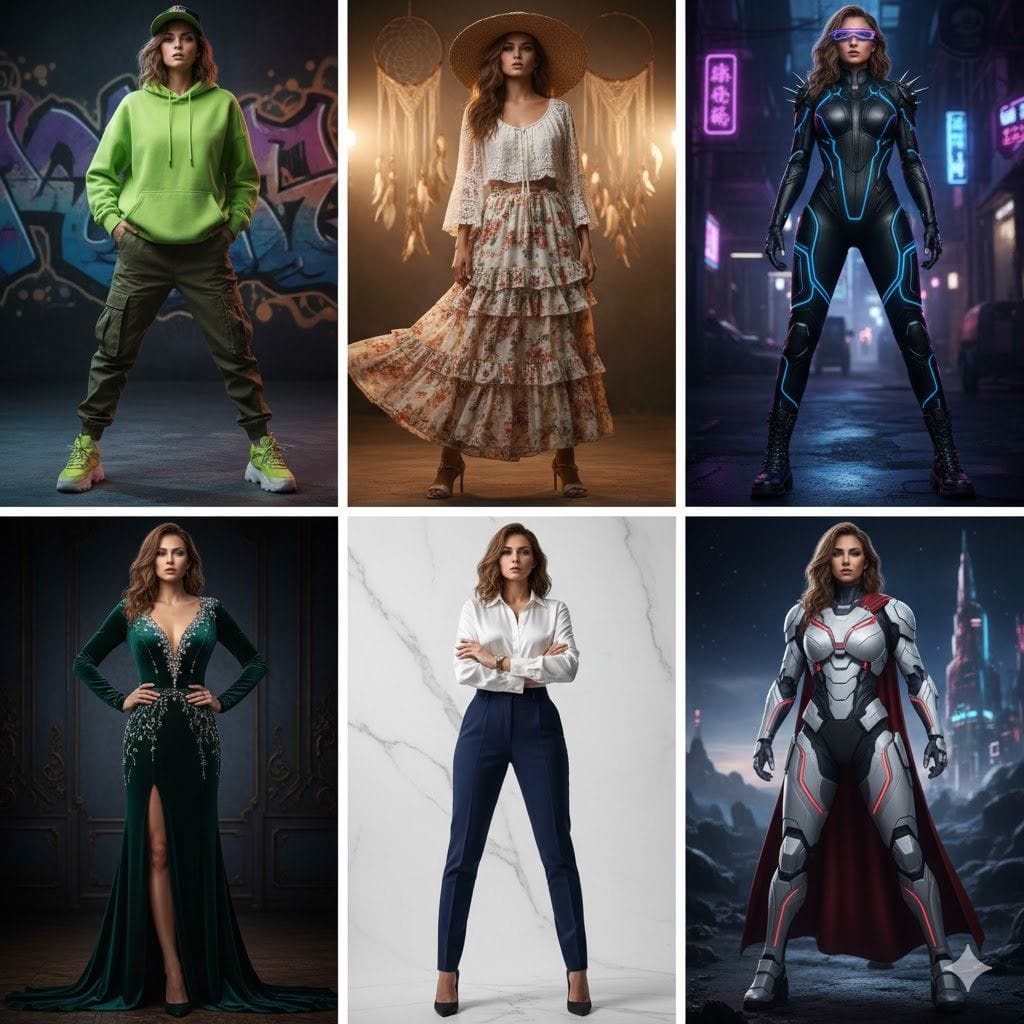
Not just outfits, shes rewriting style rules.
Nano Banana portrait prompt by @Mind_Boticni
Prompt Preview
Not just outfits, shes rewriting style rules.
Curated AI prompts for stunning image and video generation. Updated daily from top creators.
Nano Banana portrait prompt by @Mind_Boticni
Prompt Preview
Not just outfits, shes rewriting style rules.
AI prompt for Nano Banana - Portrait
Prompt Preview
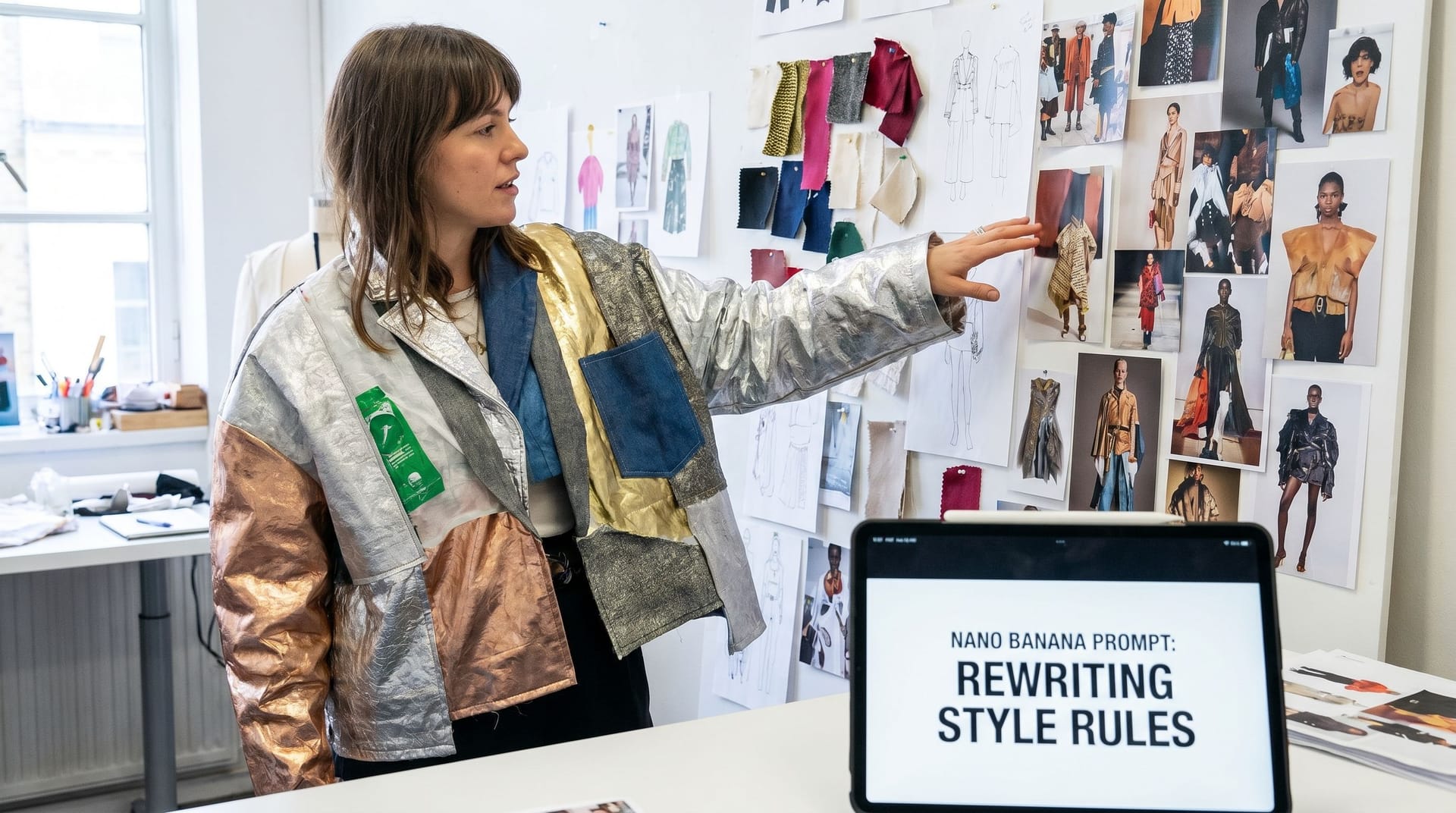
Nano Banana Prompt: Not just outfits, she’s rewriting style rules.
Nano Banana portrait prompt by @Naiknelofar788
Prompt Preview
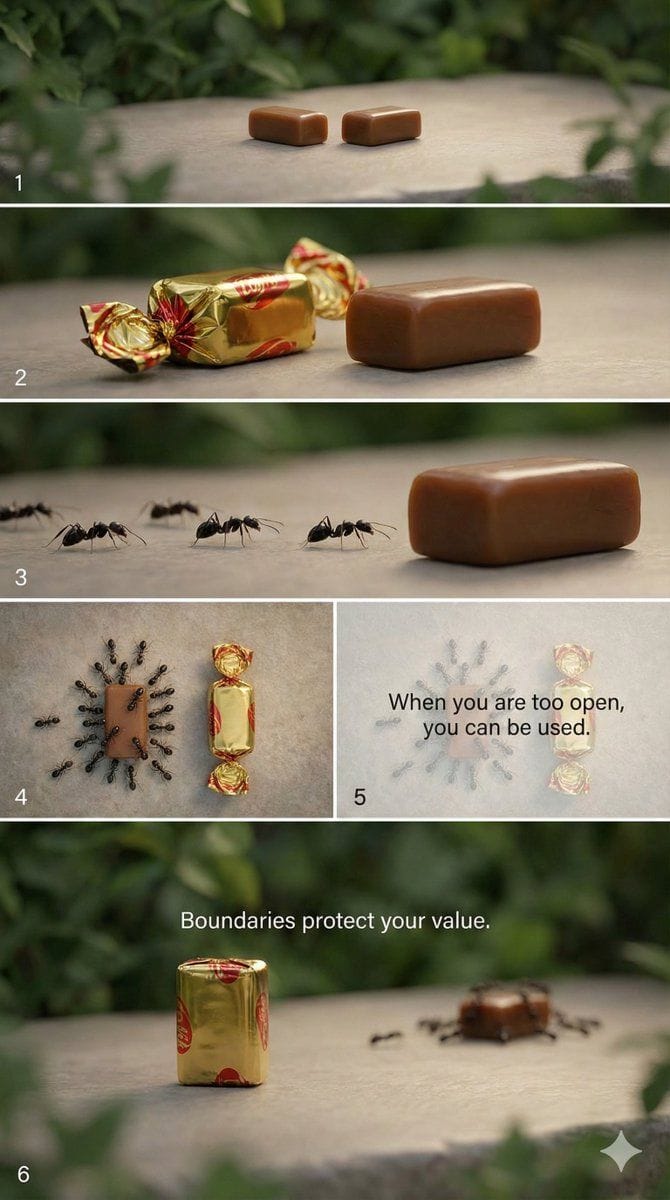
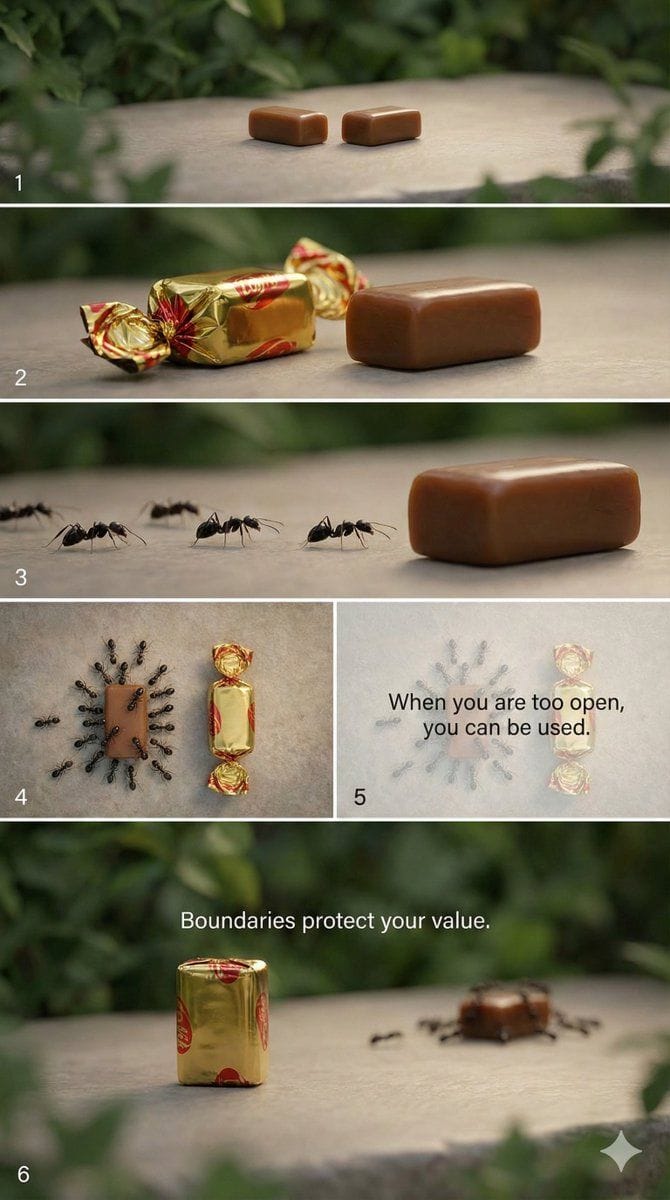
"style": "cinematic, symbolic, minimal, realistic", "aspect_ratio": "9:16", "scenes": [ { "scene_number": 1, "description": "A quiet outdoor setting with a clean surface under soft natural light. Two identical toffees are placed side by side.", "camera": "slow zoom-in", "mood": "calm, neutral" }, { "scene_number": 2, "description": "One toffee is neatly wrapped in shiny paper. The other toffee is unwrapped, fully exposed.", "camera": "static close-up", "mood": "contrast, anticipation" }, { "scene_number": 3, "description": "Ants begin to appear and slowly crawl toward the unwrapped toffee, completely ignoring the wrapped one.", "camera": "macro shot, slow motion", "mood": "uneasy, revealing" }, { "scene_number": 4, "description": "More ants gather around the unwrapped toffee, covering it, while the wrapped toffee remains untouched and protected.", "camera": "top-down shot", "mood": "warning, realization" }, { "scene_number": 5, "description": "Text fades in on screen as the ants swarm the unwrapped toffee.", "text_overlay": "When you are too open, you can be used.", "camera": "gentle fade", "mood": "reflective" }, { "scene_number": 6, "description": "Final frame focuses on the wrapped toffee standing alone, clean and intact.", "text_overlay": "Boundaries protect your value.", "camera": "slow zoom-out", "mood": "empowering, calm" } ], "audio": { "background_music": "soft ambient piano", "sound_effects": "subtle nature ambience" } }
Nano Banana portrait prompt by @Naiknelofar788
Prompt Preview
Gemini nano banana pro and Veo 3.1
AI prompt for Nano Banana - Portrait
Prompt Preview
🐰 —————— Come climb up the mountain with her and enjoy the beautiful scenery.✨ How to use: 1. Prepare a character you want to apply the effect to. 2. Copy and paste the prompt. 3. Change the text you want. Let’s share your generation result.💙 -- 彼女と一緒に山に登って、綺麗な景色を楽しもう。✨ 使い方: 1. 効果を適用したい人物を用意してね 2. コピーして貼り付けてね 3. 入れたい文字に変更する。 生成結果をいっしょにシェアしようね💙 -- 快跟著她一起爬到山上去欣賞美麗的風景吧!✨ 使用方法: 1. 準備一張你要套用效果的人物 2. 複製貼上prompt 3. 更改你要的文字 一起來分享你的生成結果吧💙
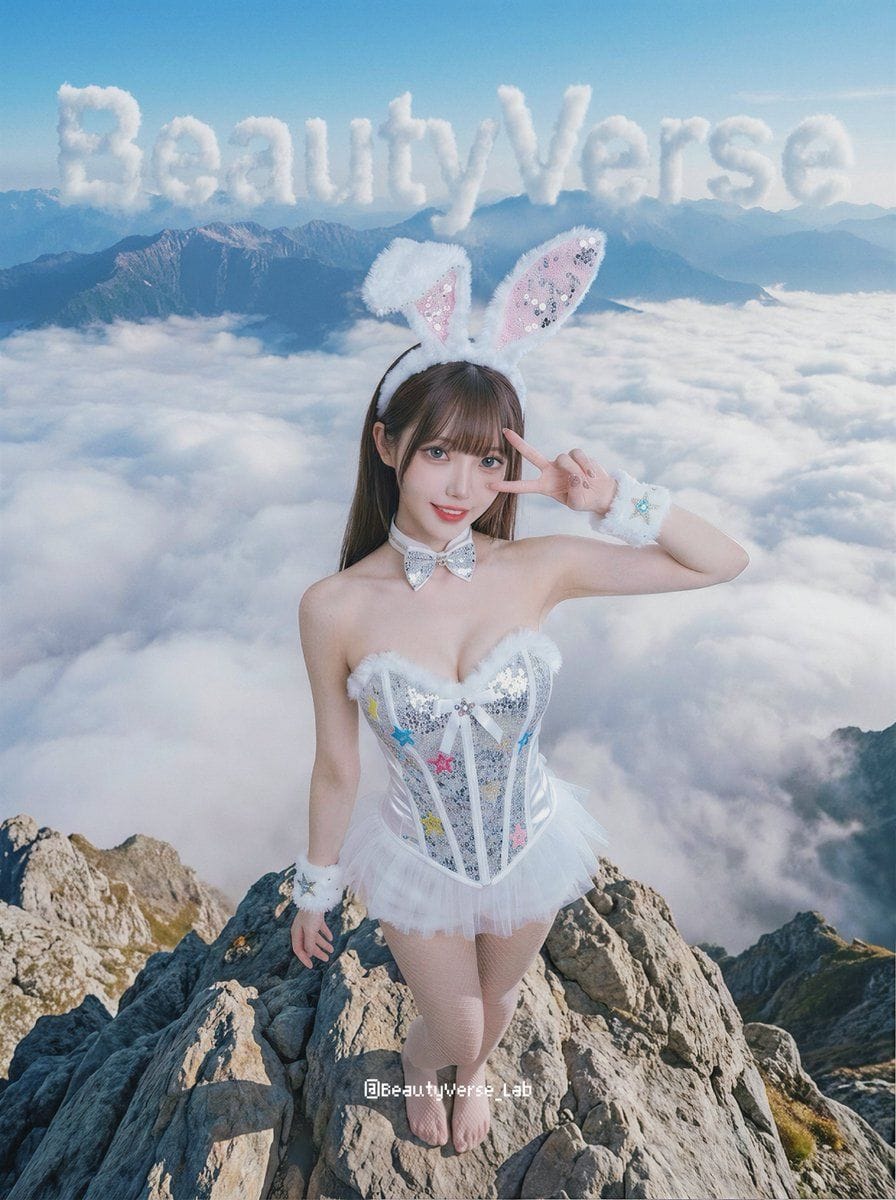
Nano Banana portrait prompt by @BeautyVerse_Lab
Prompt Preview
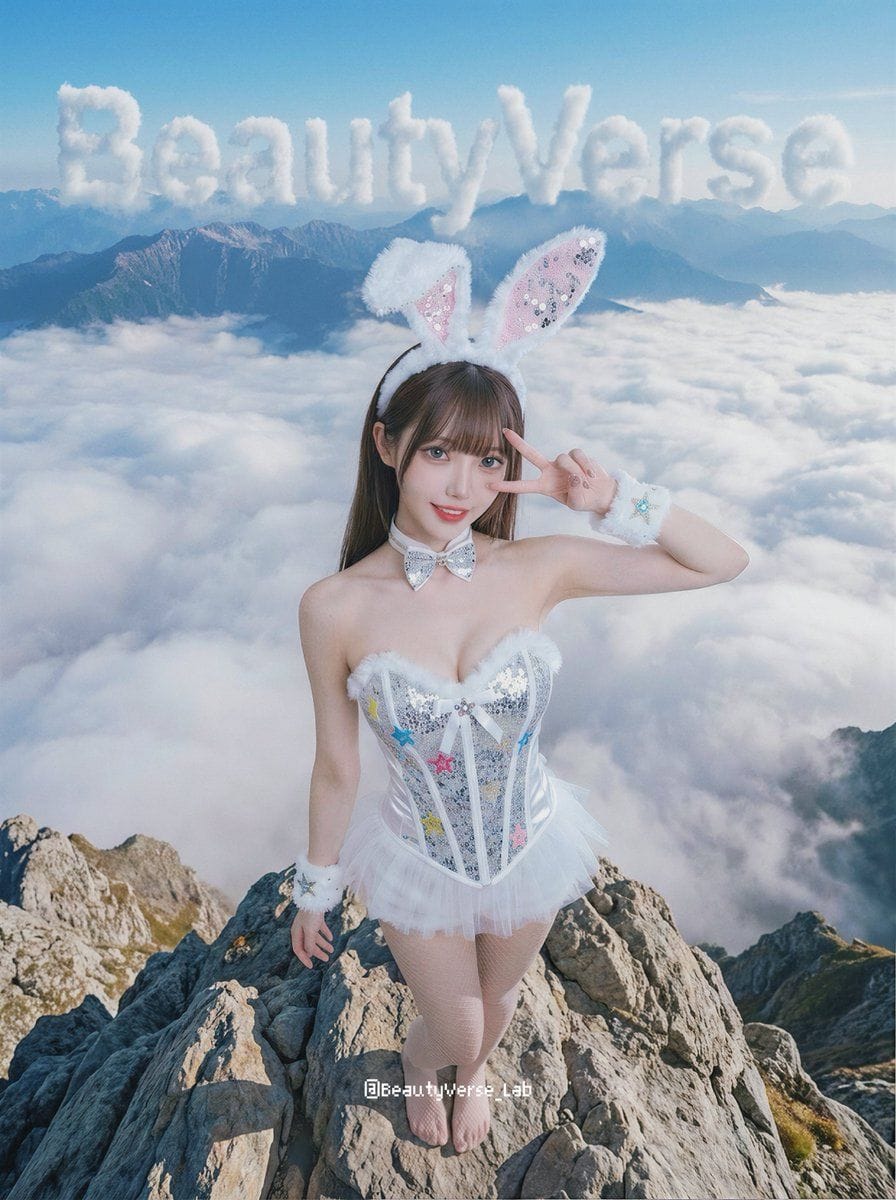
🐰 —————— Come climb up the mountain with her and enjoy the beautiful scenery.✨ How to use: 1. Prepare a character you want to apply the effect to. 2. Copy and paste the prompt. 3. Change the text you want. Let’s share your generation result.💙 -- 彼女と一緒に山に登って、綺麗な景色を楽しもう。✨ 使い方: 1. 効果を適用したい人物を用意してね 2. コピーして貼り付けてね 3. 入れたい文字に変更する。 生成結果をいっしょにシェアしようね💙 -- 快跟著她一起爬到山上去欣賞美麗的風景吧!✨ 使用方法: 1. 準備一張你要套用效果的人物 2. 複製貼上prompt 3. 更改你要的文字 一起來分享你的生成結果吧💙
AI prompt for Nano Banana - Portrait
Prompt Preview
Nano Banana Prompt: 🐰
Nano Banana portrait prompt by @BeautyVerse_Lab
Prompt Preview
[ Nano Banana Pro]
AI prompt for Nano Banana - Portrait
Prompt Preview
[Nano Banana Pro] Original effect, major update. 🔥Promotion Effect v2.0🔥 Let your character promote you! Based on the images shared in the comments, I fixed a few issues and adjusted how the result is presented. v2.0: 1. The character is now shown in full. 2. When running the prompt, it checks whether your profile screenshot includes a Follow button. If it is missing, it will create one and ensure the button text says Follow. 3. The pose is updated. One hand points at your account name, and the other points at Follow. How to use: 1. Choose a character image you want to apply the effect to. 2. Upload a screenshot of your profile page. 3. Copy and paste the prompt. Share your results✨Connect to each other. Notes: 1. Since the character is shown full body, if your reference image does not include feet, the system will generate them automatically. The result may not always look good, so a full body reference with feet is recommended. 2. The best aspect ratio for the profile screenshot is 3:4. I reposted it because the original post was flagged as sensitive content.🫠 This is a high quality post. SFW. —— /prompt/ { "edit_type": "precise_composite_overlay_dual_interaction_english_ui", "source": { "_hint": "Base Logic: Character sitting on Background. Background is fixed EXCEPT for the specific text on the button.", "mode": "IMAGE_COMPOSITION", "reference_images": { "foreground": "character_ref_image", "background_canvas": "profile_page_screenshot" }, "consistency": { "character_fidelity": "high", "background_structure": "rigid_layout_preservation" } }, "ui_text_enforcement": { "_hint": "CRITICAL: Ensure the button text reads 'Follow' in English, regardless of the text in the original screenshot.", "target_element": "action_button_top_right", "mandatory_text": "Follow", "language": "English", "font_style": "sans_serif_bold_legible", "correction_policy": "overwrite_original_text_if_not_follow" }, "background_preservation": { "_hint": "Background is a rigid floor. Only allow changes to shadows and the button text.", "policy": "strict_pixel_retention_mostly", "allowed_modifications": [ "realistic_contact_shadows_under_character", "replacement_of_button_text_to_Follow" ] }, "camera_and_lighting": { "_hint": "Character sitting ON the interface.", "perspective": "high_angle_looking_down", "grounding_effect": { "technique": "contact_shadows_under_legs", "placement": "on_background_surface" } }, "pose": { "_hint": "Dual pointing: Left Hand -> Name, Right Hand -> 'Follow' Button.", "pose_style": "sitting_cross_legged_or_kneeling", "head_position": "tilted_back_looking_at_camera", "hands_configuration": { "style": "dual_index_finger_pointing", "left_hand": { "action": "pointing_at_account_name", "target_location": "top_left_area" }, "right_hand": { "action": "pointing_at_follow_button", "target_location": "top_right_area", "specific_focus": "indicate_the_word_Follow" } } }, "constraints": { "text_must_spell_Follow_correctly": true, "no_gibberish_text": true, "no_chinese_characters_on_button": true, "hands_must_not_block_the_word_Follow": true } }
No prompts found for the selected type.
Try adjusting your search or filters